> For the complete documentation index, see [llms.txt](https://fiveelementslabs.gitbook.io/tide/llms.txt). Markdown versions of documentation pages are available by appending `.md` to page URLs; this page is available as [Markdown](https://fiveelementslabs.gitbook.io/tide/users/participate-in-campaigns.md).
# Participate in campaigns
Obtaining digital collectibles has never been so easy
Campaigns are incentive programs launched by businesses, brands, and content creators to offer novel experiences and engage their community.
## Getting Started
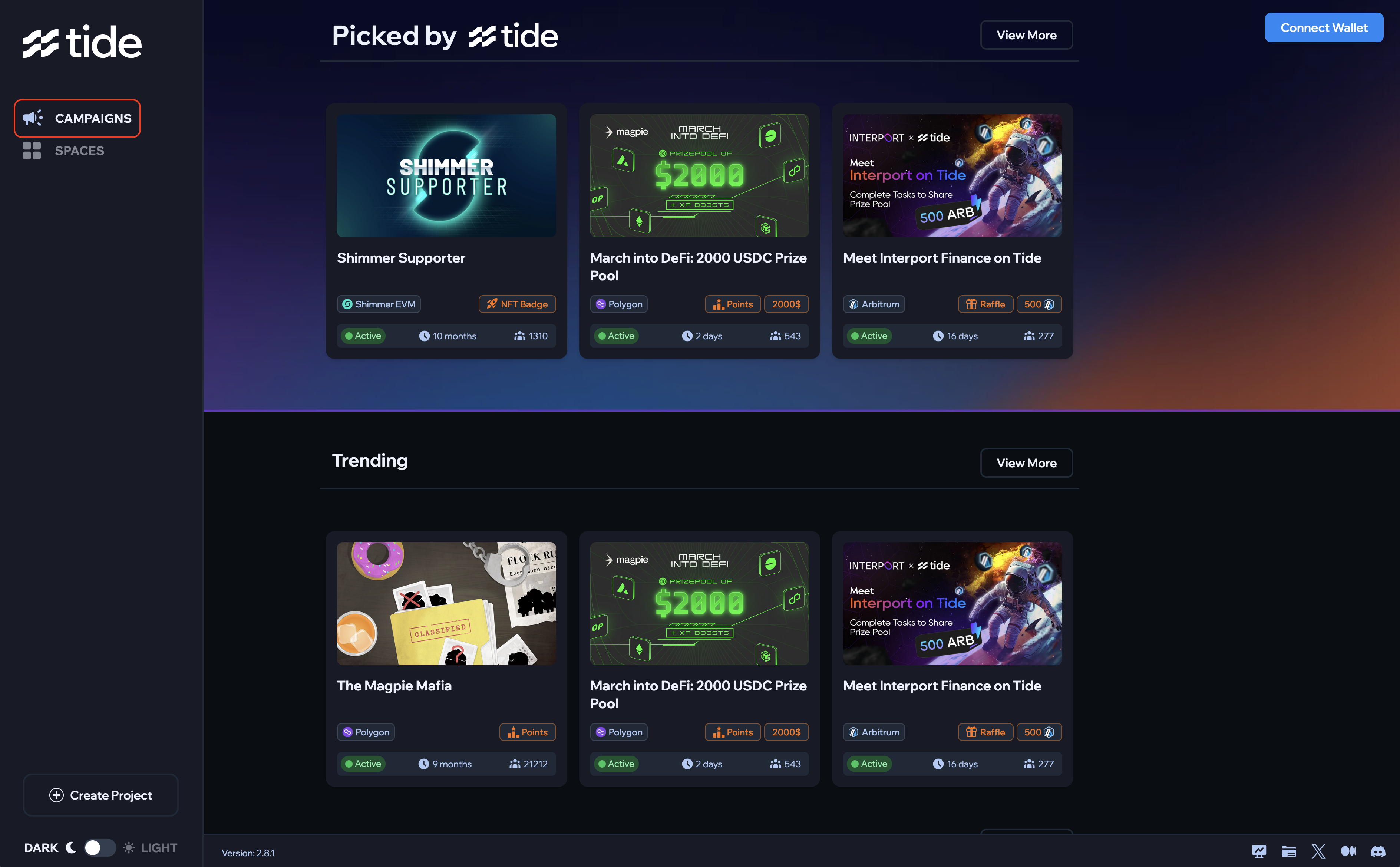
Head over to [tideprotocol.xyz](https://www.tideprotocol.xyz/), click on **Browse Campaigns** to access the campaigns section. Then connect the wallet either by:
* **Metamask**
* **Wallet Connect**
* **Connect with email**: we enable users to log in with their email by leveraging Magic Wallet; in the background, a wallet is created and associated with the used email.
Once you choose the campaign you want to participate in, **the steps to follow are always the same.**
* Read the campaign description to learn more information about the campaign
* Check if your wallet is part of the eligible audiences
* If eligible, complete the required tasks
* Once all the tasks have been completed, click on **Claim Badge** to obtain the NFT